We often use our computers without caring enough about whether certain issues are accumulating below the surface. Your computer has a threshold of how careless you can be before it slows down, starts glitching, or restarts with Blue Screens of Death. Let's check out an app that can take care of it!
Core cleaning features
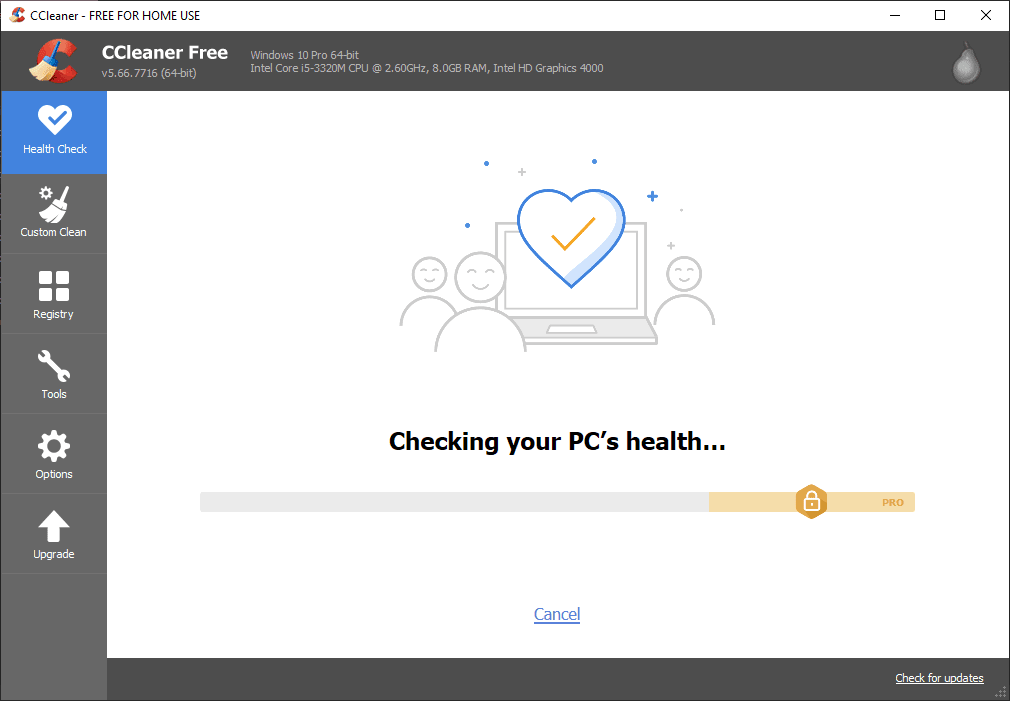
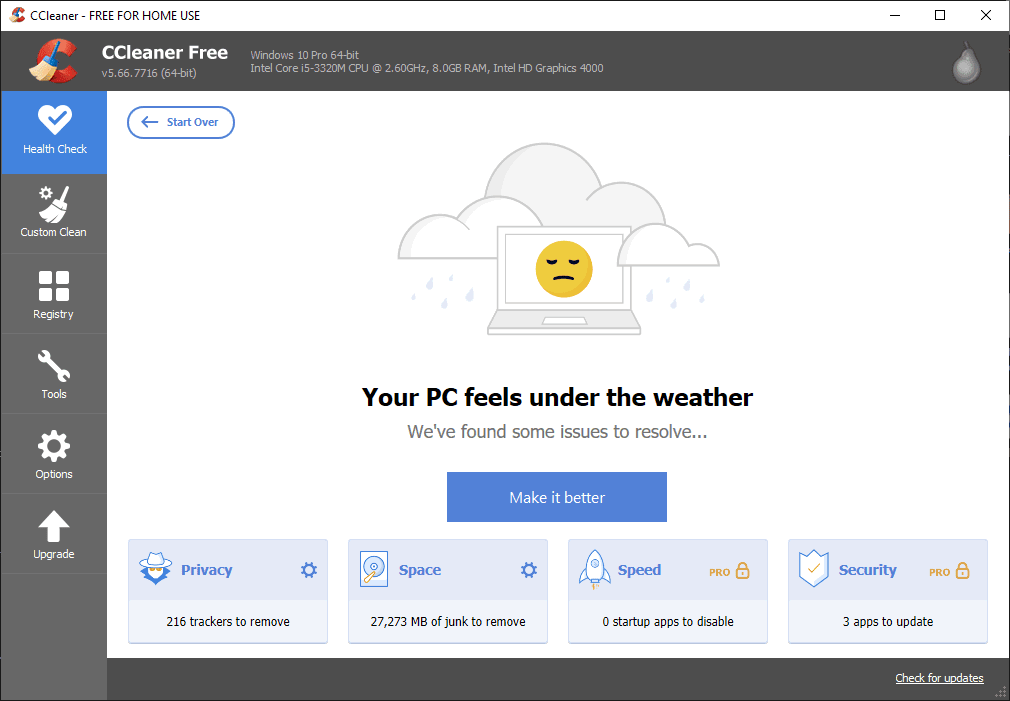
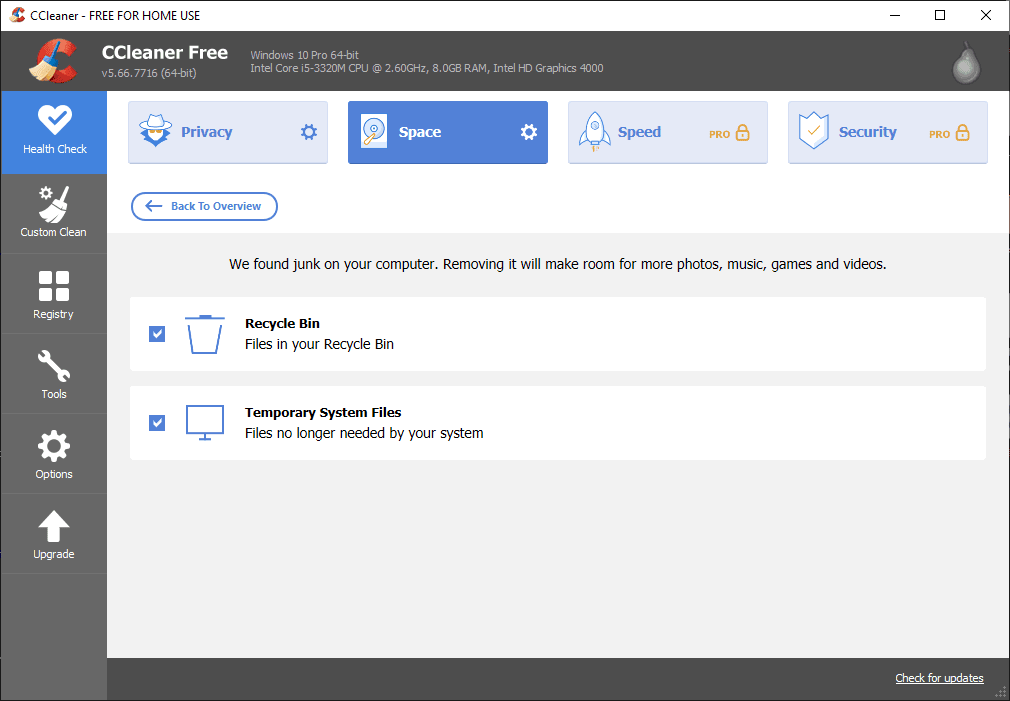
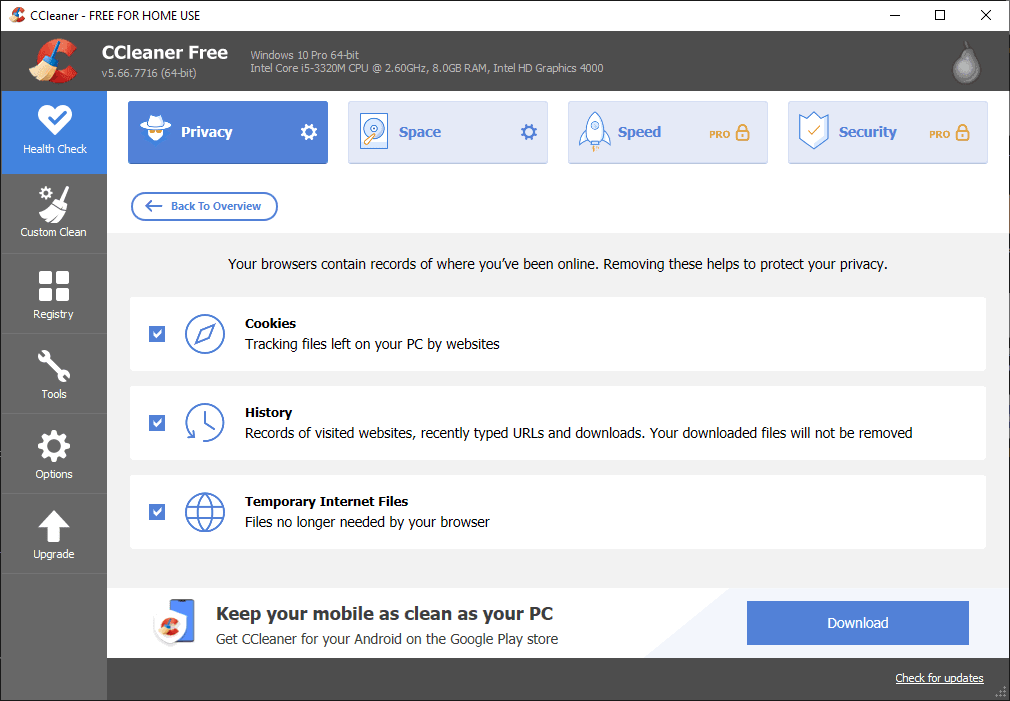
CCleaner is a maintenance tool for Windows. It's free to use, but you can choose to upgrade to CCleaner Professional, which offers more advanced capabilities. The first tab you see when opening CCleaner is Health Check. It scans your computer for privacy concerns and ways to free up space on your drives. If you are a Pro user, Health Check also scans for startup apps to disable and software to update, speeding up your PC and closing security loopholes in older versions.Manual control over junk files
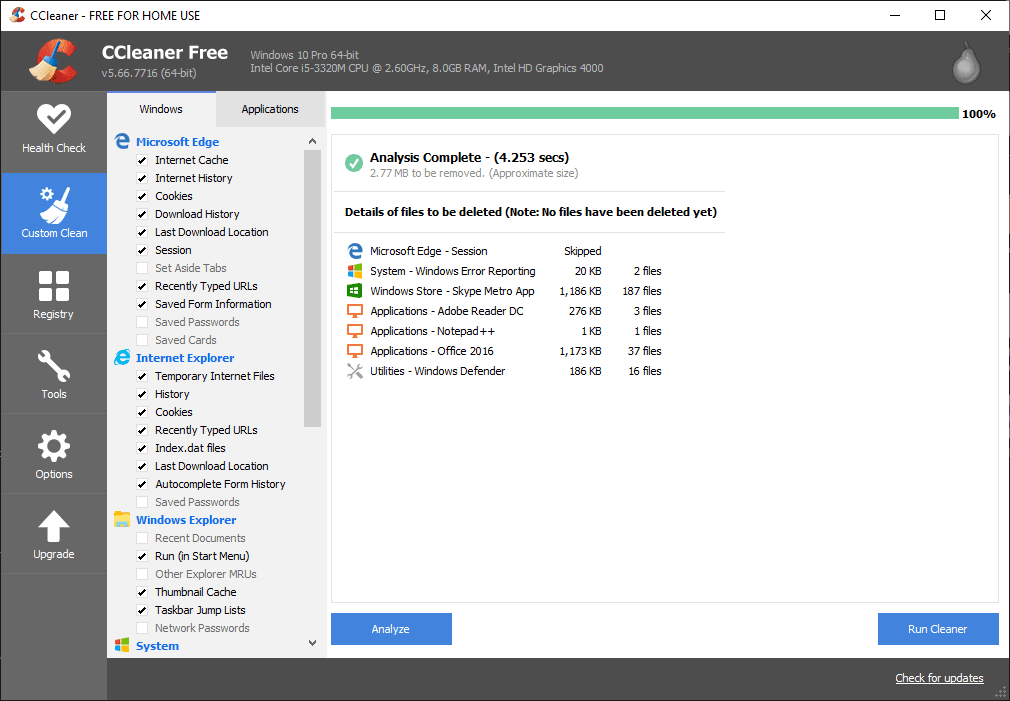
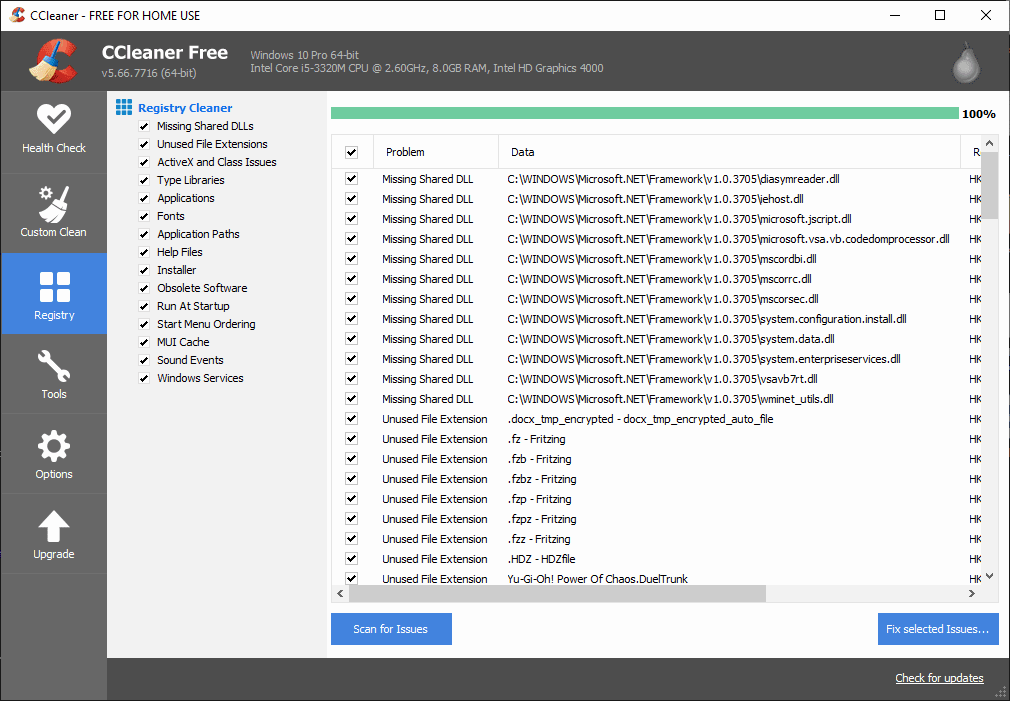
The Custom Clean tab enables users to manually select what they want to remove from their computers. You can delete browser data, temporary files, and all sorts of files that can be removed without causing system instability. The Registry tab scans your registry for issues and offers to resolve them. You can create a registry backup in case something goes wrong, but usually, this just deletes unused entries and the remains of formerly installed apps.Extra tools for advanced management
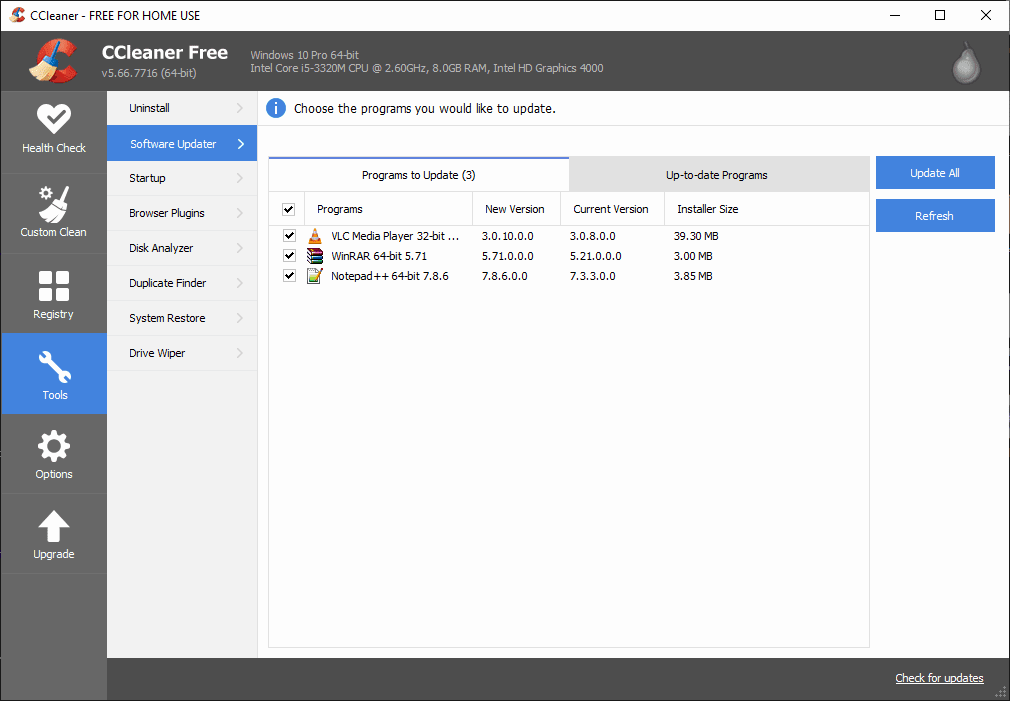
That's not all! The Tools tab offers even more amazing features. You can uninstall apps, update them (for Pro users only), manage programs and services that launch at startup, disable or uninstall browser plugins, and much more! You can even manage what shows up in your context menus! If you want to know what kind of files take up the most space on your drive, simply run the Disk Analyzer. You can use Duplicate Finder to find and delete duplicate files on your computer, or you can launch Drive Wiper to securely erase the contents or free space of any drive.An essential utility for Windows
CCleaner is definitely an all-in-one utility. The free version is more than enough for your needs, but upgrading to a Professional subscription is also a fair deal. Considering the sheer number of features and how useful they are, it's no wonder CCleaner has been one of the most popular maintenance apps for Windows for many years now.